Live translation for meetings and events
An interpreter in every pocket.
Your audience scans a QR code and hears your meeting in their own language, through their own headsets. They can read it as live captions too. Nothing to download; nothing to hand out.
Or write to info@duvoca.com and tell us about your meeting.
Said in English
“Good evening, everyone, and welcome to the awards gala.”
About three seconds later
One tap to listen
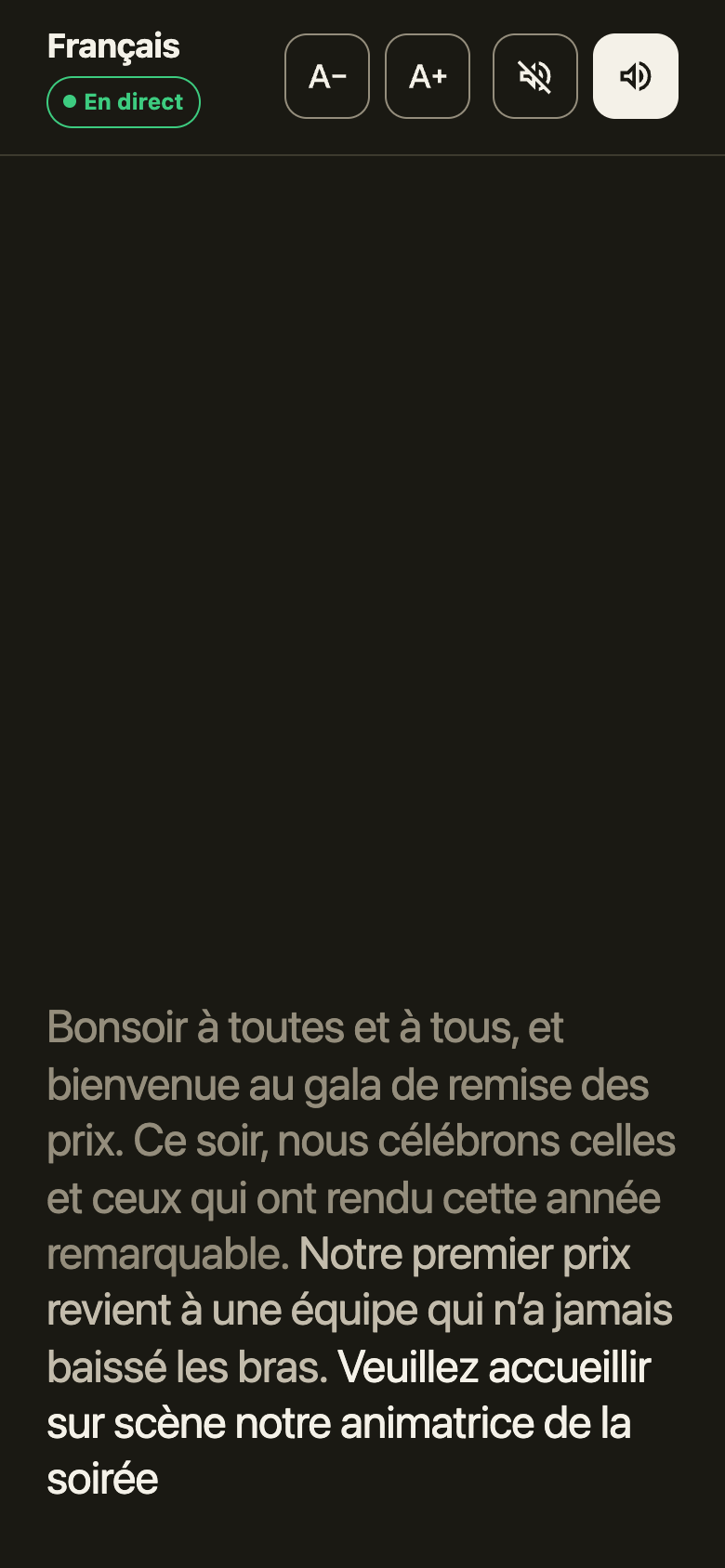
Heard in French
« Bonsoir à toutes et à tous, et bienvenue au gala de remise des prix. »
No hardware to rent. No subscription. 13 languages. $3.83 per hour.
The headsets are already in the room.
- ScanA phone camera pointed at a QR code opens the meeting in their language. No app, no account.
- TapOne tap on the sound button, and the translated voice plays in their earbuds.
- Listen, or readBy ear, by eye or both. Another tap makes the captions larger.
Start translating in 2 clicks.
If you can share your screen in a video call, you can run Duvoca. Even if you’re also the speaker.
Press Open
Your audience scans a QR code and waits for you. Put the QR code on a slide, or print a sign for the door.
Press Start
The voice and the captions reach every phone. Pause for the break, and end when the meeting does.
Designed for everyone, but powerful enough for pros.
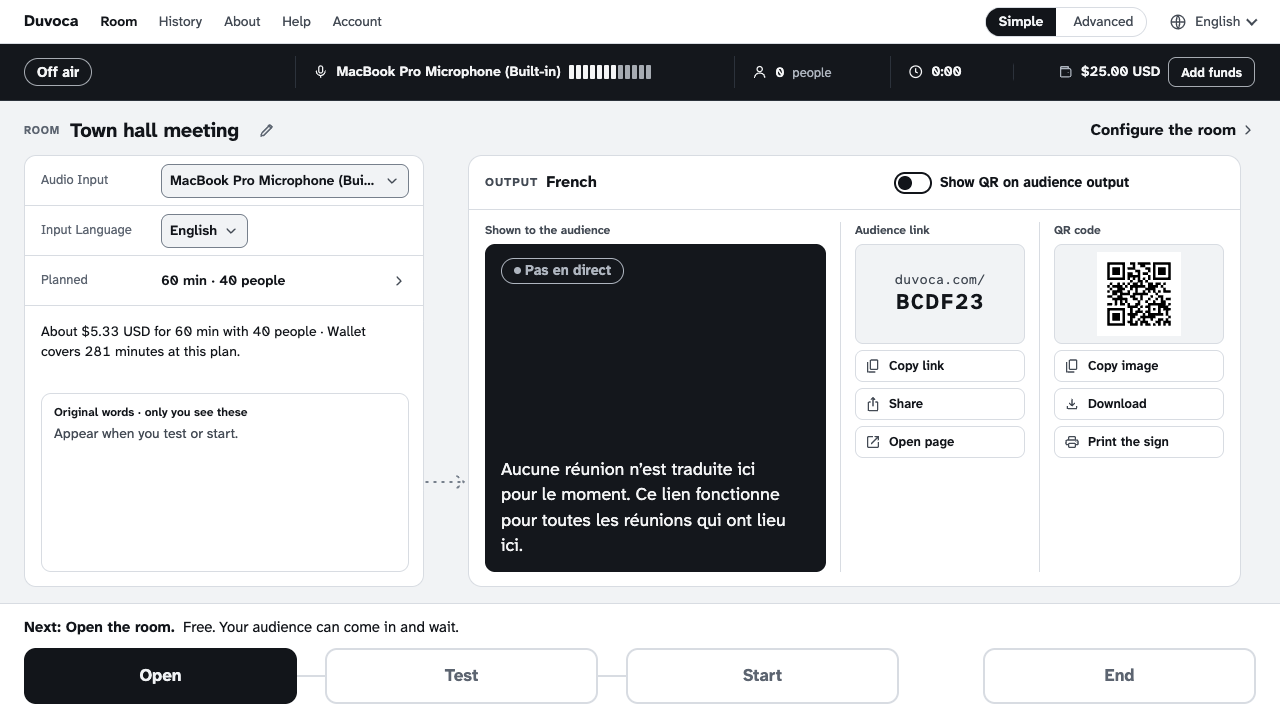
I’ve worked in events for 30 years. Duvoca has two settings: Simple, and Advanced.
You want multilingual outputs, chromakey, full diagnostics, and more? It’s all here. Fallbacks. Session recovery. Silence and machine workload detection.
We’ve run this for 5 days across 3 stages without a hiccup. Duvoca needs a web browser on a laptop or phone. That’s it.
Said in the room
Good evening, everyone, and welcome to the awards gala. Tonight we celebrate the people who made this year remarkable.
French 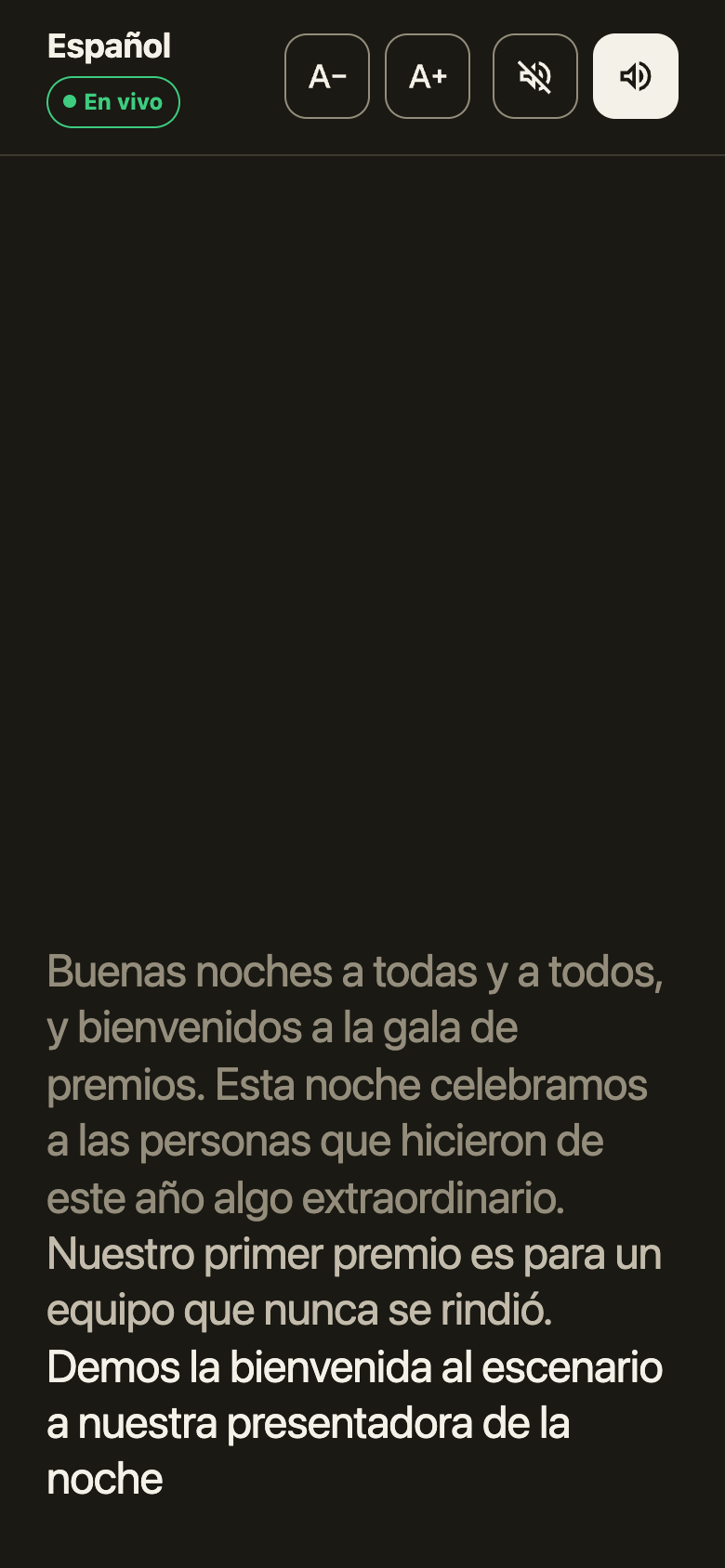
Spanish 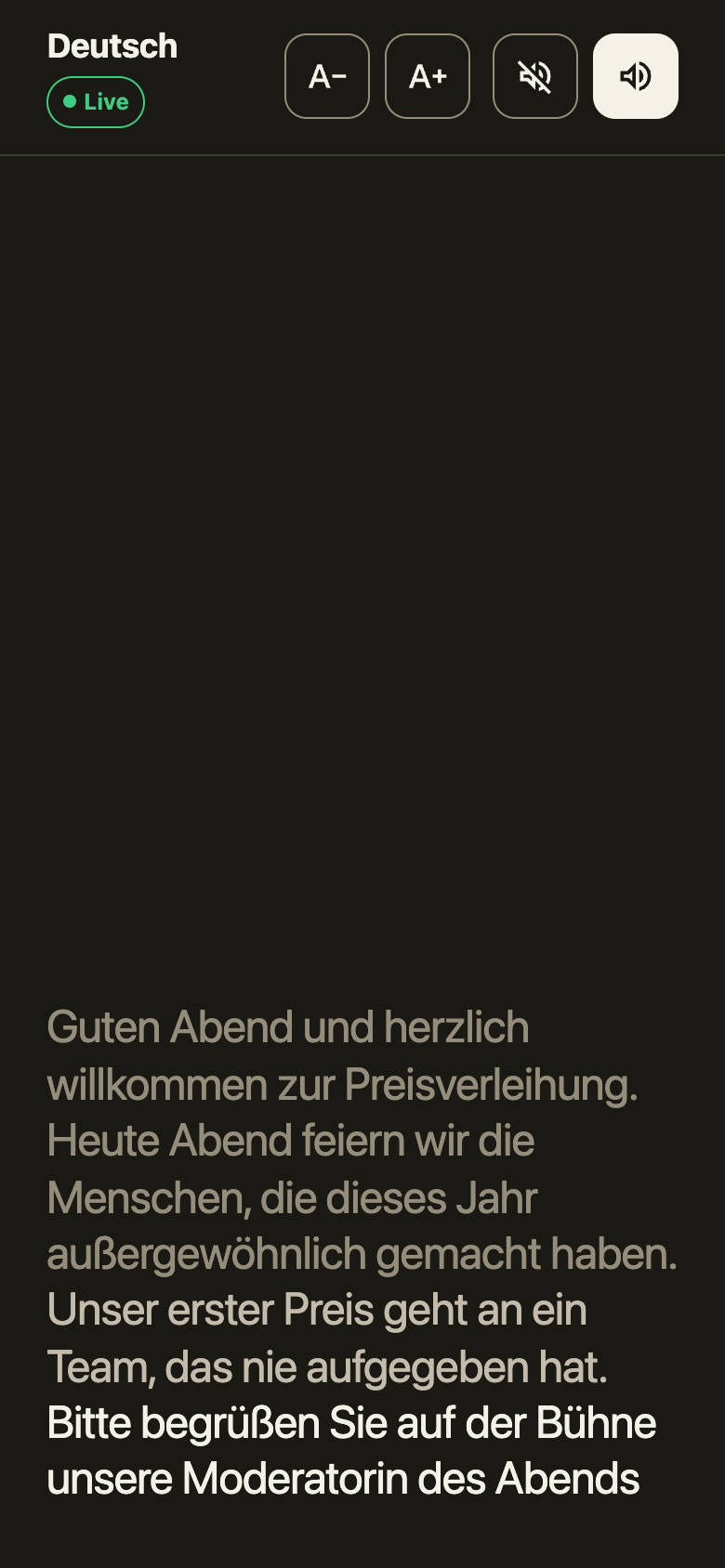
German 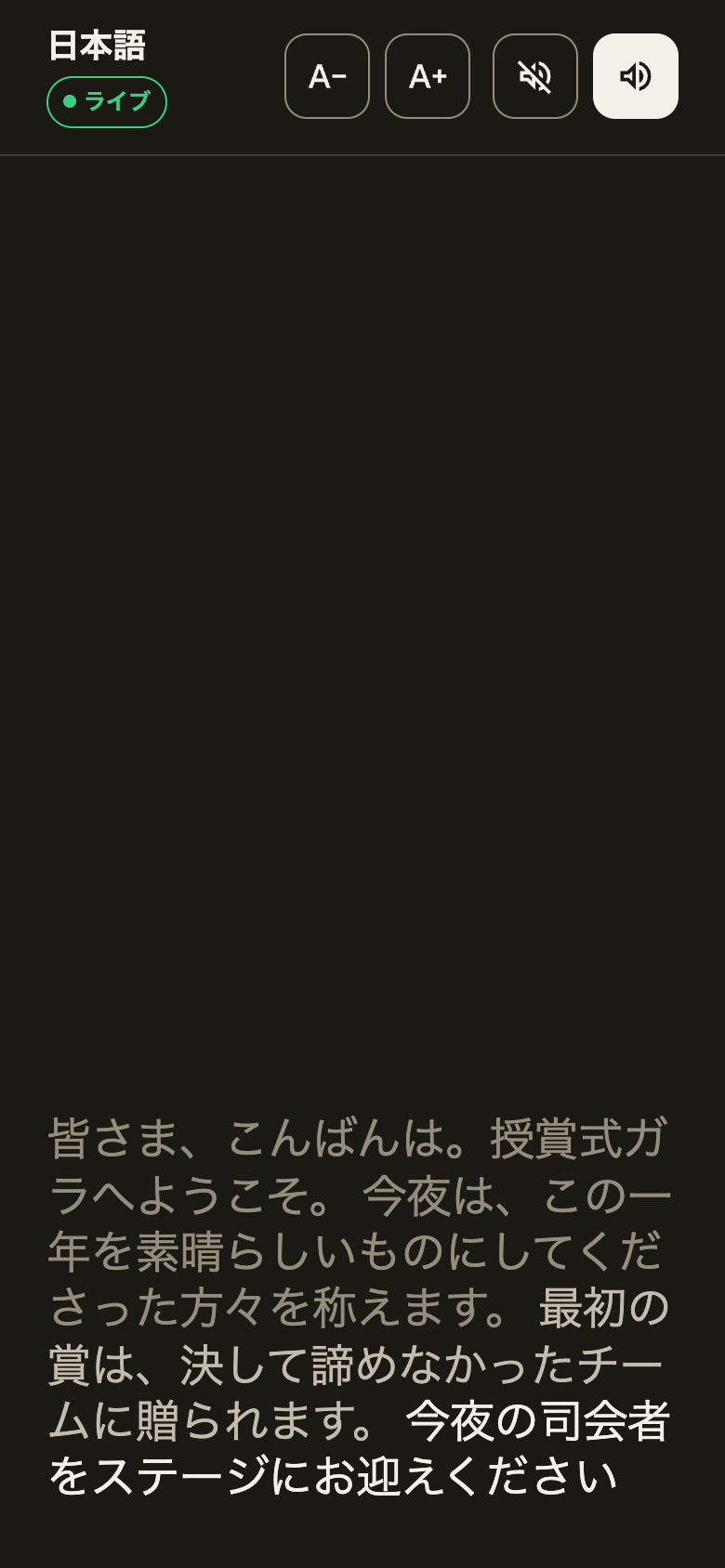
Japanese
- 18
- input languages
- 13
- output languages
Scales to hundreds of audience members on Cloudflare’s global delivery infrastructure.
Powerful tools for AV teams.
Nobody wants to find out in front of the room. With Duvoca, you never have to.
-
Test in private
Speak, and hear yourself translated. Your audience hears nothing, and it’s free.
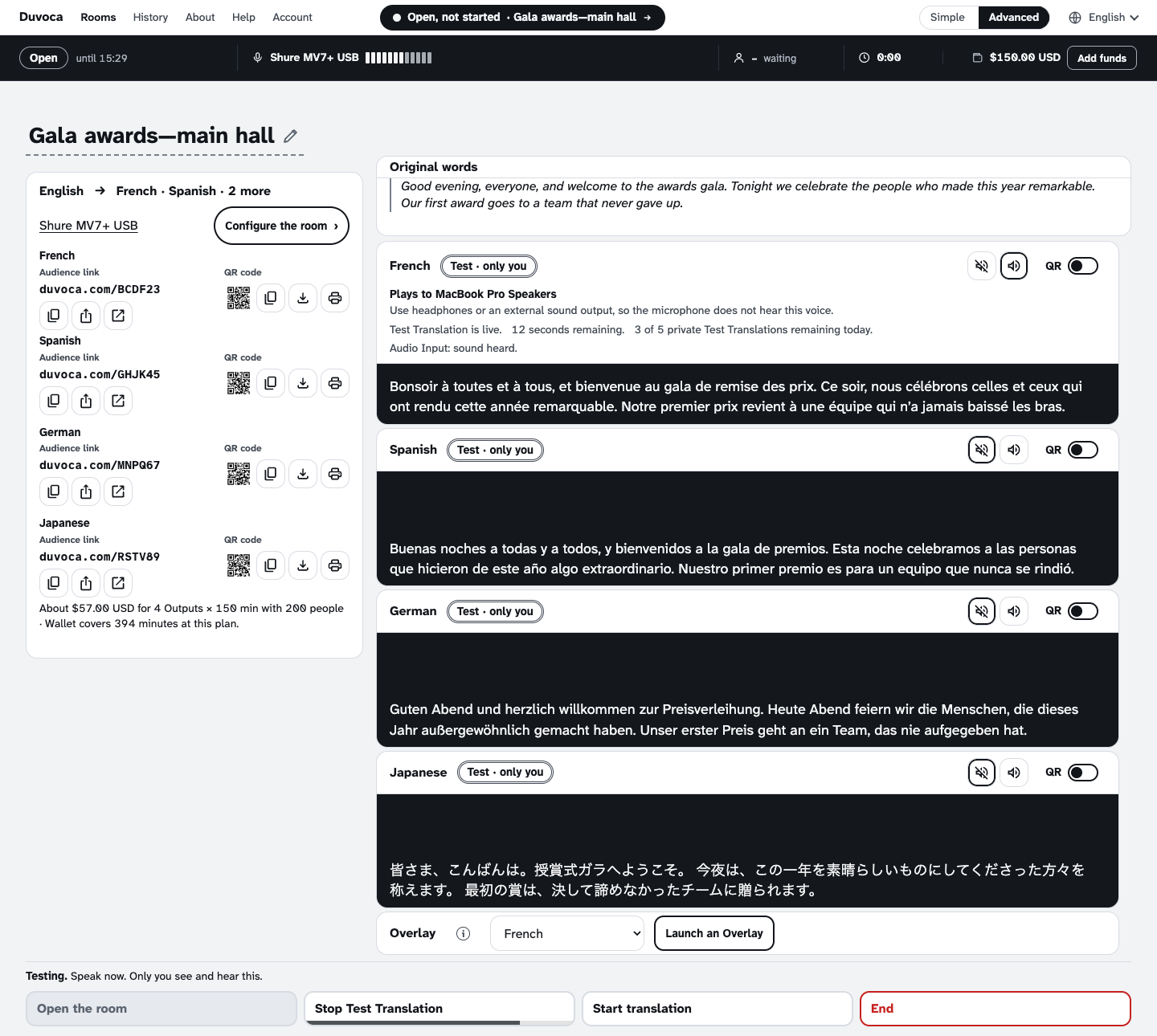
A private test before the doors open. Only you see and hear it. -
Listen in or broadcast
Play any output channel in your own headphones or route it to in-room headsets.
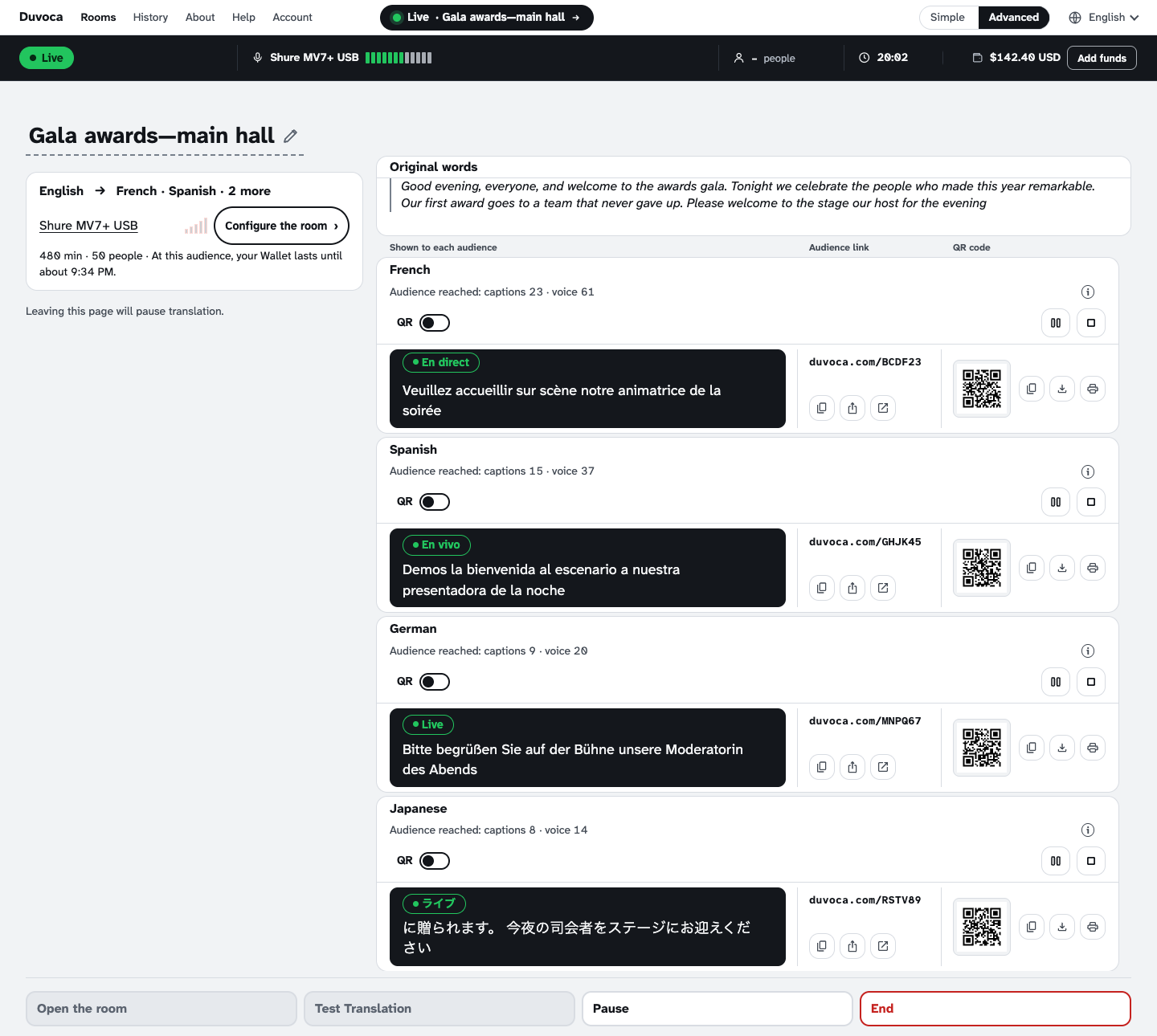
Monitor live text and voice output from a single screen. One meeting in four languages, each with its own link, QR code and Pause button. -
It recovers by itself
If a connection drops, Duvoca reconnects and asks your audience to stand by.
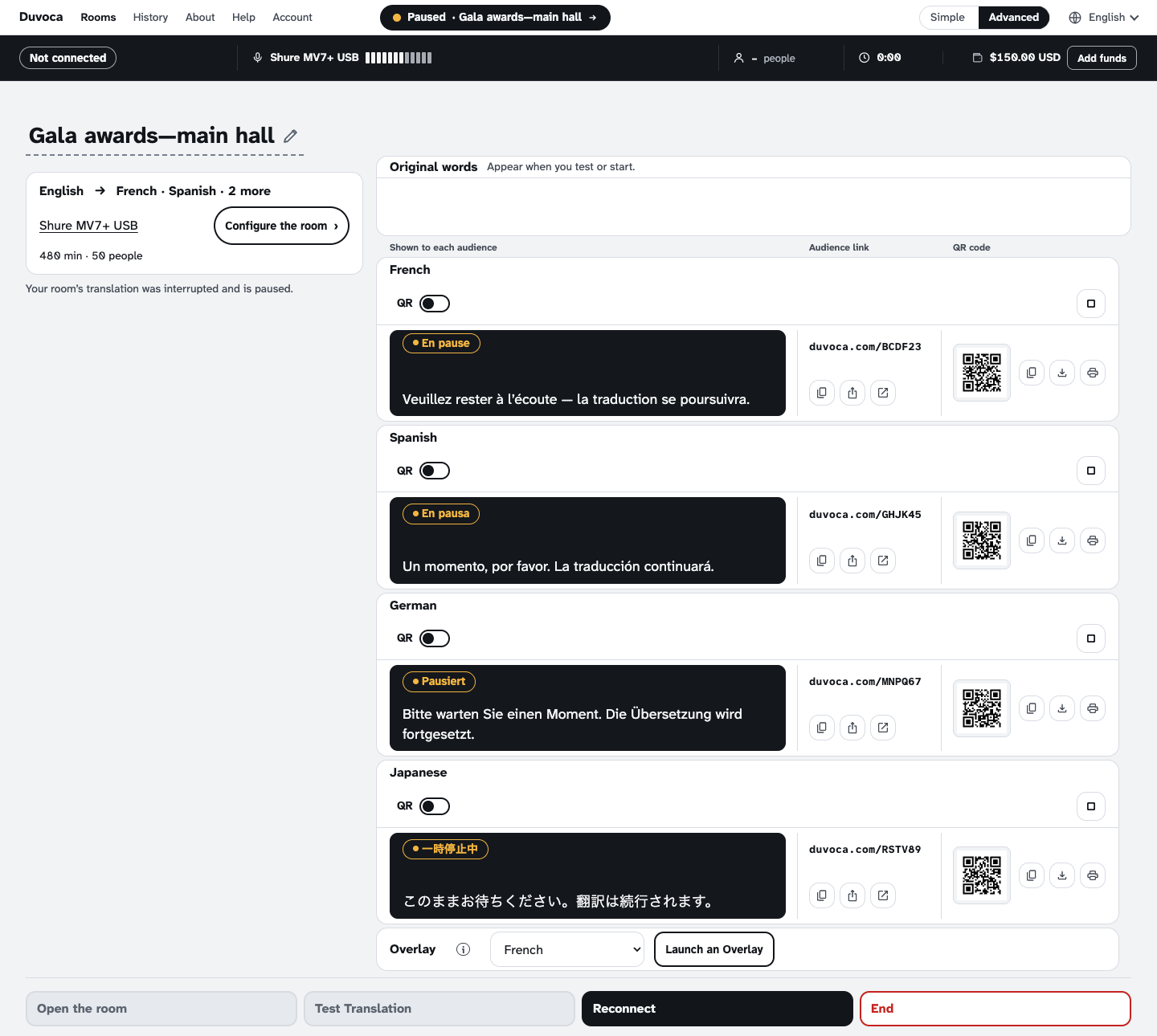
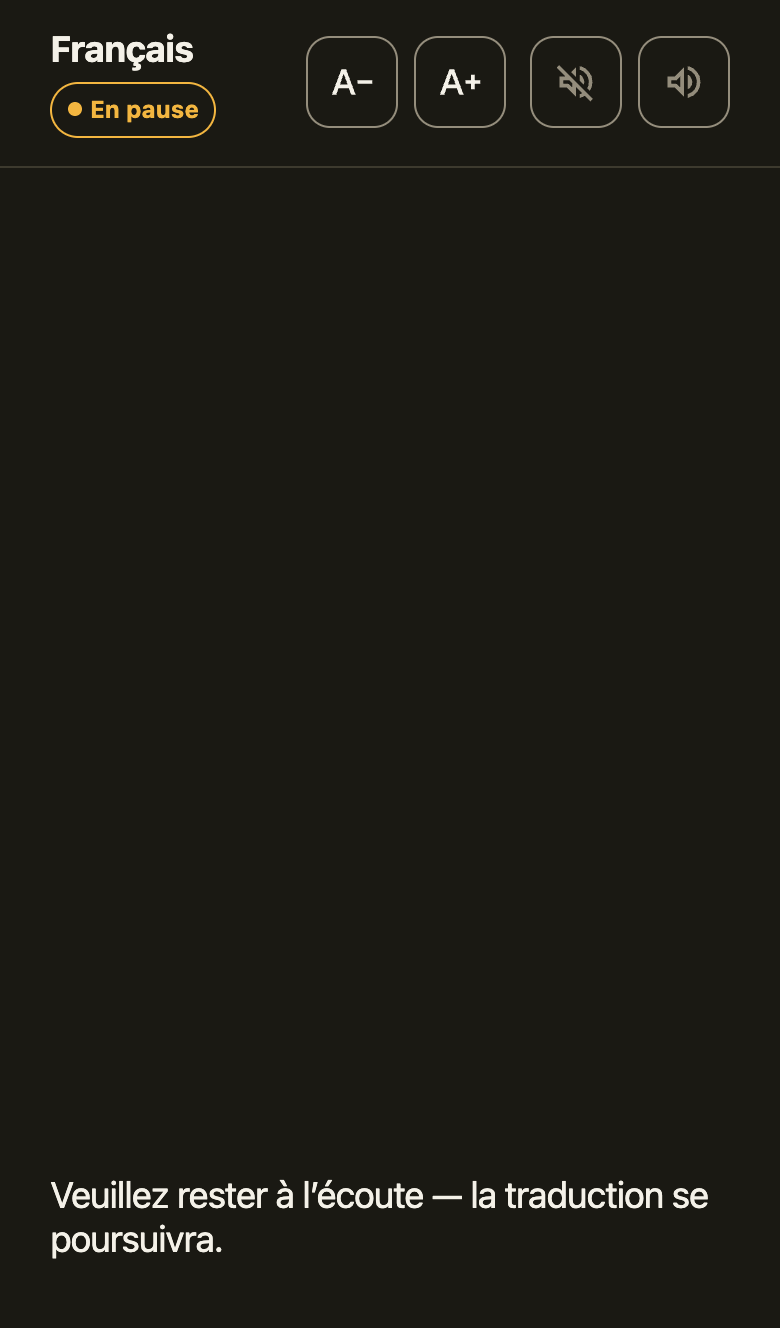
Your laptop drops off the network. Every phone is asked to stand by, in its own language. -
Detailed reporting
Comprehensive analytics by session and language, with diagnostics, across all your events.
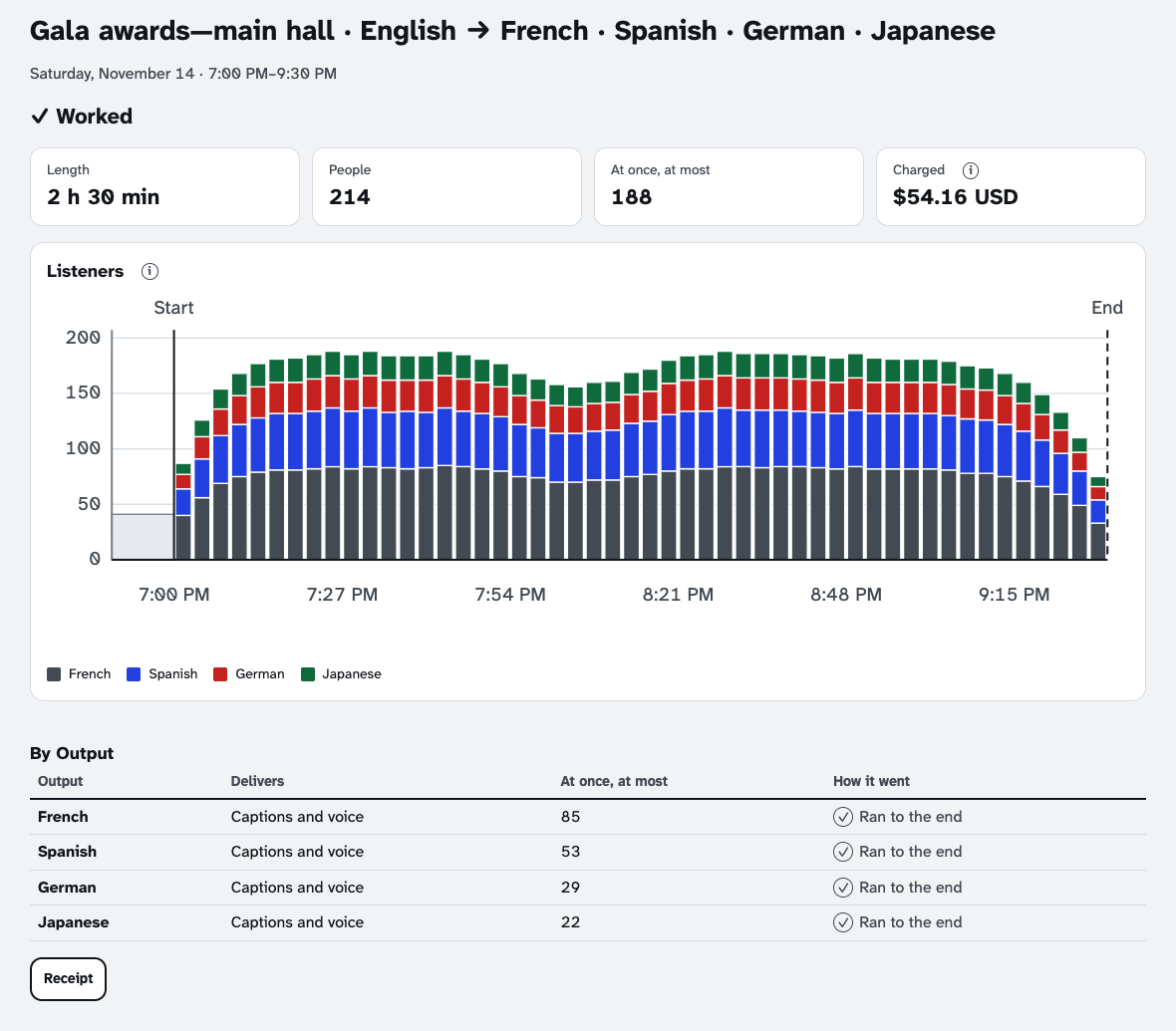
Afterwards: who listened, in which language, and what it cost.
No booth. No rented headsets. No shipping case.
Interpreters and booths made sense for the annual congress. They never made sense for the Tuesday board meeting. Duvoca does.
| For a translated meeting | Interpreters and rented headsets | A rented captioning kit | Duvoca |
|---|---|---|---|
| What arrives at the venue | A booth, two interpreters for each language and a headset for each attendee | A box, shipped ahead and wired into the sound and video | Nothing. You open a web page. |
| Who runs it | A crew | A technician | Whoever runs the slides |
| What your audience uses | A borrowed headset | The room’s screen, a headset or a phone | Their own phone and earbuds |
| Adding a language | Two more interpreters | Another channel on the kit | One click |
| The price | USD 700 to 1,500 a day for each interpreter, and USD 7.50 to 25 a day for each headset | By quote | USD 3.83 an hour for each language, in public |
It costs less than the coffee.
Find out how much your next meeting will cost.
Your meeting
$5.33about 13 cents a person
Why so little? Nobody travels and nothing ships. You pay for the minutes you translate, and nothing else.
- A one-hour workshop, 40 people listening$5.33
- A two-hour board meeting, 12 people listening$8.55
- A conference day of 8 hours in 2 languages, 200 people$121.20
- Three stages for 8 hours, 3 languages each, 600 people$455.40
Setting up, waiting for people to arrive and testing are free. You pay from the moment you press Start until the meeting ends, by the minute.
Beyond the phone.
- In the venue’s headsetsIf the venue already has interpretation headsets, send the translated voice to them.
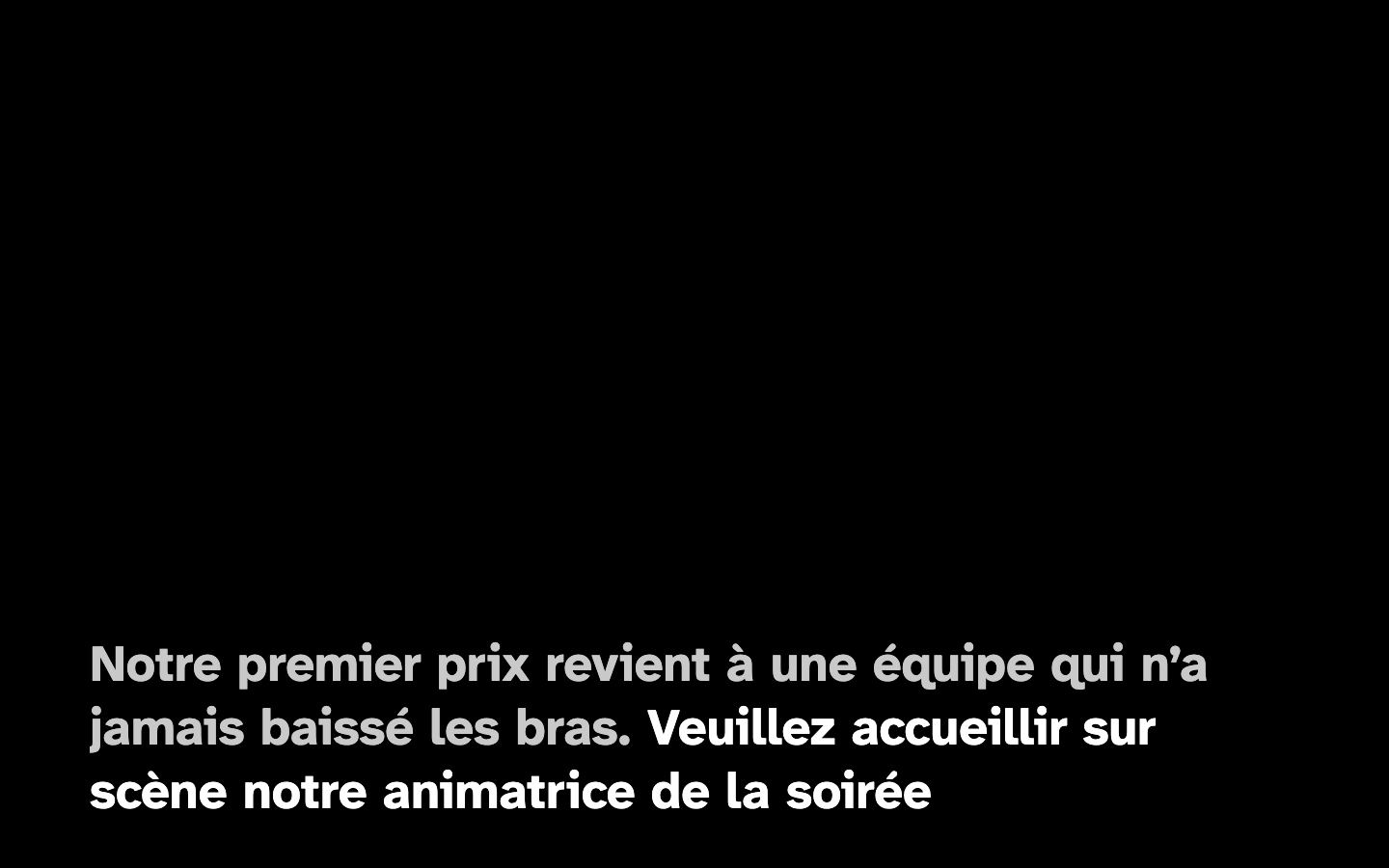
- On the room’s screenOpen a language’s link on any display, and its captions fill the screen.
- Under your slidesOpen the captions in a window of their own, and place them below or beside your slides.
- In your broadcastGive the captions a green or blue background, and your video mixer lays them over the picture.
What’s said in the room stays in the room.
No recording. No transcript. Your audience joins without a name, an email or an account.